
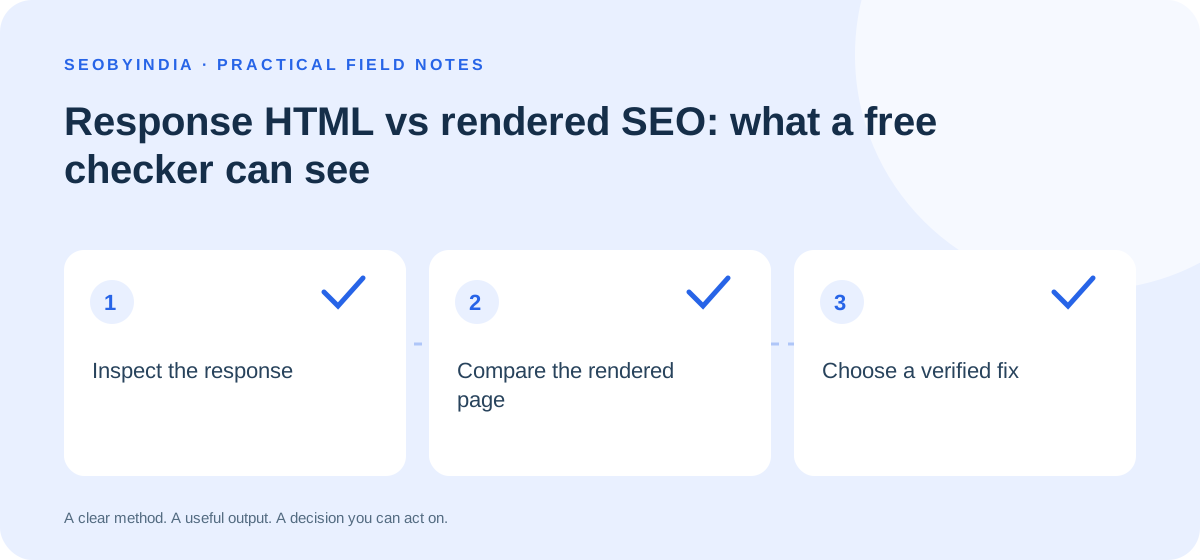
A page can look complete in your browser while a lightweight SEO checker sees very little. The difference is often the stage at which the content exists. A response-HTML audit reads what the server sends before JavaScript changes the page. A rendered inspection looks at the page after scripts have had a chance to run. Neither result should be mistaken for proof that Google has indexed the page.
Start by naming the evidence
Run the free page audit on a public URL. Record the HTTP response, title, main heading, canonical declaration, image alt attributes and any structured data it can parse. These are observations about one response. A successful response does not demonstrate that every URL on the site works, and a detected canonical does not prove that a search engine selected it.
For example, suppose the audit reports no H1, but your browser displays a large product heading. Inspect the rendered page and the original response separately. If the heading appears only after a script runs, ask your developer whether important content can be delivered reliably in the initial response. The useful issue is the delivery dependency, rather than the checker’s headline score.
Use a short comparison worksheet
- Response: save the inspected URL, timestamp, response code and missing element.
- Rendered page: confirm whether the element appears, and whether rendering depends on consent, a click, a location choice or a delayed network request.
- Search evidence: when you own the site, use the search engine’s inspection tools to review its crawl and rendering information.
- Decision: describe the specific failing condition and the change that would remove it.
Prioritise the customer’s blocked task
A missing service description that prevents a customer understanding the offer deserves more attention than a stylistic preference in a title. Record the affected template, the number of important pages using it and whether the problem blocks discovery or a useful action. Test one representative page after the change, then check other affected templates.
The technical SEO service starts with this kind of evidence. Avoid treating word count, server response time or an eight-item markup checklist as a universal ranking score. Server timing from a checker is also different from a real-user page experience measurement.
Finish with a reproducible handoff
A good issue report contains a URL, the observed condition, the expected customer-visible result and a way to retest it. Keep the before-and-after evidence. If the server blocks automated fetches, use an authorised browser inspection or supplied HTML rather than assuming the public page is broken. The aim is a verified improvement, not a perfect-looking report.