
The short answer
Compare declared canonical, redirects, internal links and the search engine's selected URL.
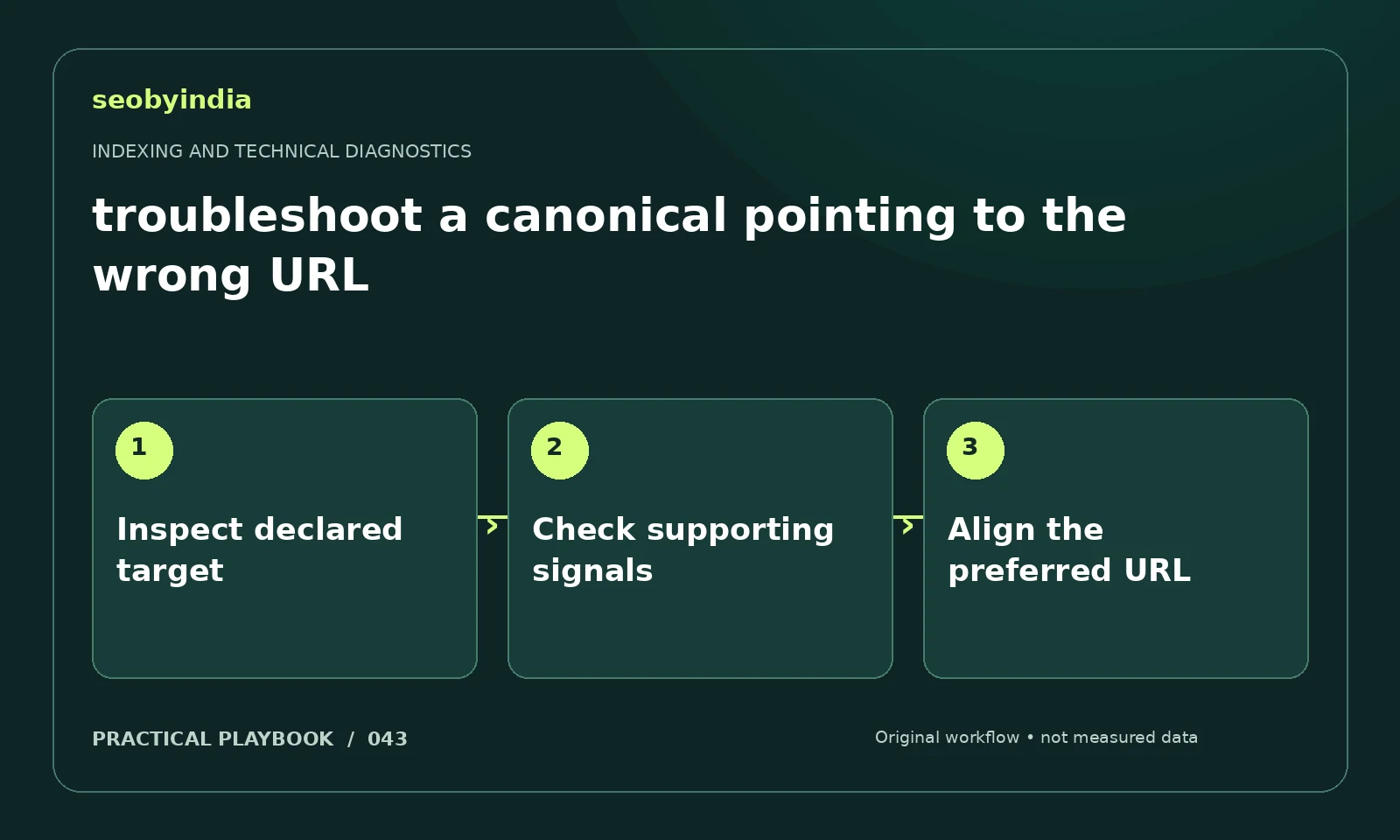
A three-step workflow
Inspect declared target
Read the declared canonical on the affected page and confirm the target resolves to the intended useful content.
Check supporting signals
Compare redirects, sitemap entries and internal links. Record discrepancies rather than assuming the declaration is the only relevant signal.
Align the preferred URL
Align the preferred destination across the site. Reinspect after the changes and distinguish a declared preference from Google's selection.
Illustrative example
Put the decision in context
A product variant canonical points to a discontinued item while navigation links to the new product. Correct conflicting signals before requesting another inspection.
What to record in your working sheet
Keep the evidence beside the decision so the work can be checked and handed over. For this task, use these fields:
- Affected URL and expected behavior
- Observed response and page directive
- Conflicting signal or supporting evidence
- Proposed fix, owner and retest result
A mistake to avoid
Assuming a canonical declaration is an absolute directive.
References and further reading
The workflow and illustrative example are SEOByIndia editorial guidance. Use the linked primary documentation for platform requirements; interfaces and policies can change.
Need help applying this to your site?
Share your website, the problem you are investigating and the evidence you already have. We can discuss a focused scope and the next useful check.
Discuss a technical SEO audit