
The short answer
Choose the authoritative operating schedule and reconcile public records, including special hours.
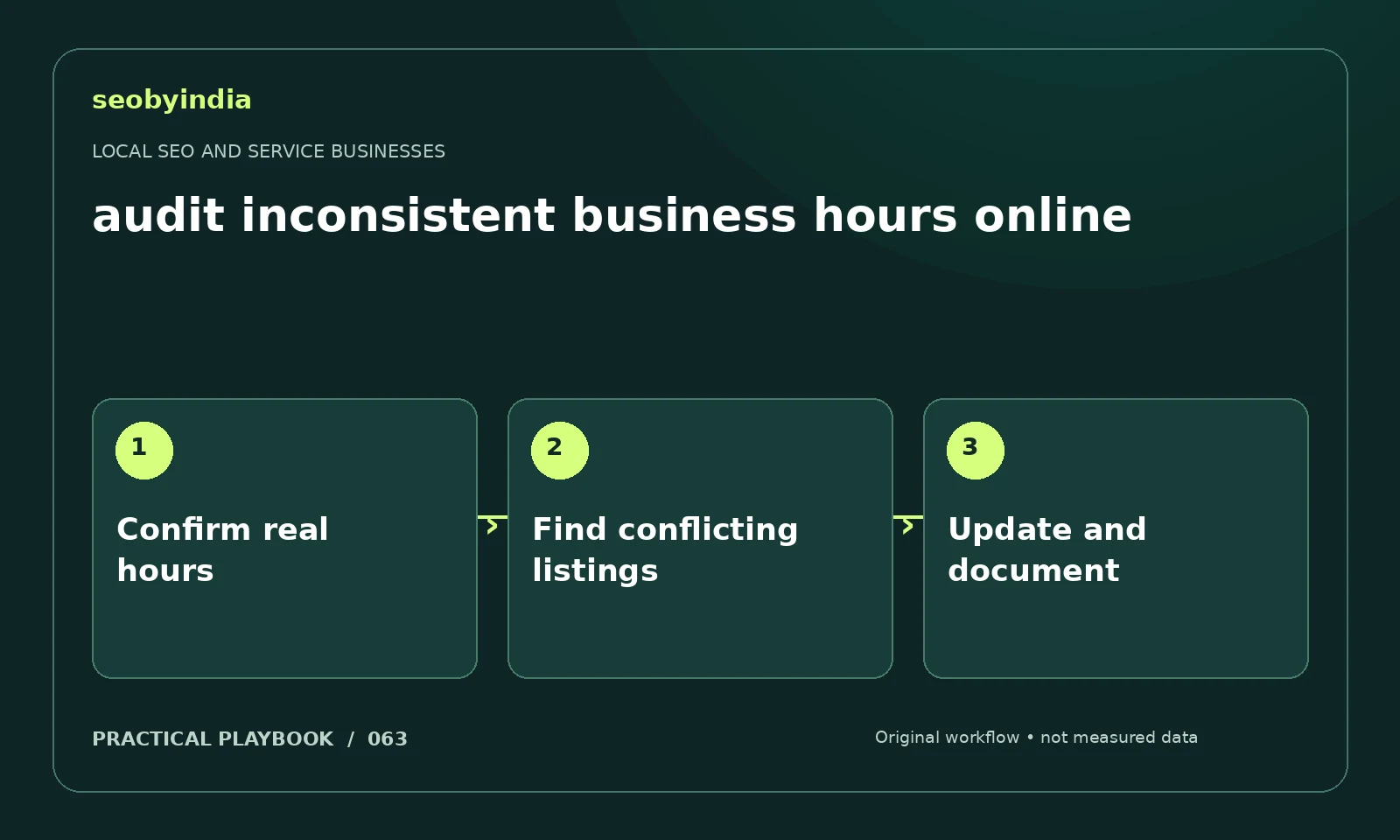
A three-step workflow
Confirm real hours
Get the real operating hours from the person responsible for the business. Separate regular hours, special hours and emergency response.
Find conflicting listings
Check the website and important public listings for contradictory schedules. Record exactly where the conflicting statement appears.
Update and document
Update verified records you control and request corrections elsewhere. Document the change so later questions have a clear reference.
Illustrative example
Put the decision in context
A service business closes on a holiday while its website still says open daily. Update the verified records and explain emergency availability separately.
What to record in your working sheet
Keep the evidence beside the decision so the work can be checked and handed over. For this task, use these fields:
- Service and true coverage area
- Verified business details
- Customer booking or information gap
- Responsible owner and correction status
A mistake to avoid
Changing business hours to appear open when nobody can respond.
References and further reading
The workflow and illustrative example are SEOByIndia editorial guidance. Use the linked primary documentation for platform requirements; interfaces and policies can change.
Need help applying this to your site?
Share your website, the problem you are investigating and the evidence you already have. We can discuss a focused scope and the next useful check.
Discuss your local service pages