
The short answer
Ask only the information needed to assess the job and make the response process clear.
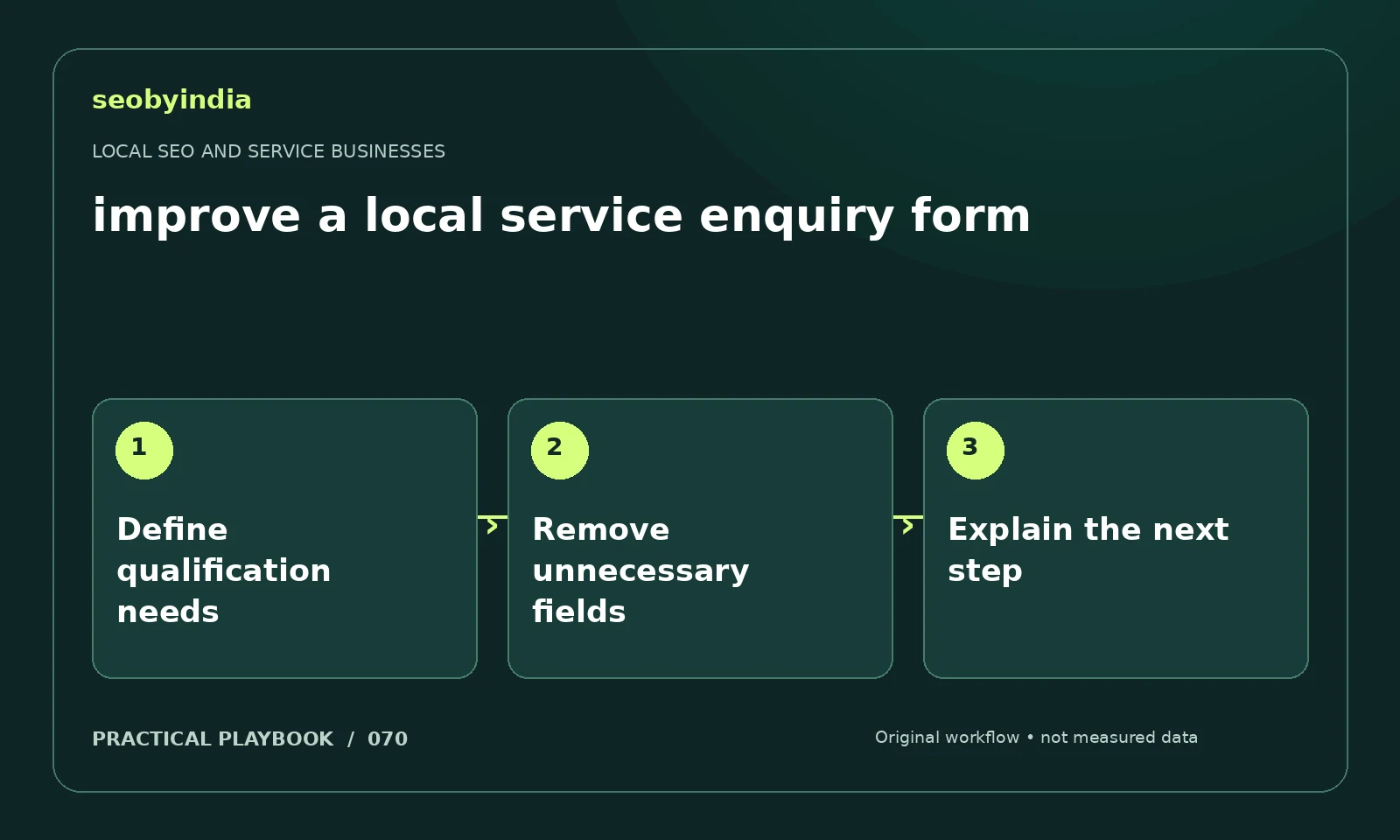
A three-step workflow
Define qualification needs
Identify the minimum details needed to understand the job and respond. Avoid collecting information just because a form builder makes it easy.
Remove unnecessary fields
Remove fields that do not affect the first response. Make required fields and validation messages easy to understand.
Explain the next step
Explain the response process and use a clear success state. Test a real authorized submission path without sending unnecessary personal information.
Illustrative example
Put the decision in context
A contractor may need service type, area and contact details. Request property access information later through an appropriate channel.
What to record in your working sheet
Keep the evidence beside the decision so the work can be checked and handed over. For this task, use these fields:
- Service and true coverage area
- Verified business details
- Customer booking or information gap
- Responsible owner and correction status
A mistake to avoid
Collecting sensitive details that are unnecessary for the initial enquiry.
References and further reading
The workflow and illustrative example are SEOByIndia editorial guidance. Use the linked primary documentation for platform requirements; interfaces and policies can change.
Need help applying this to your site?
Share your website, the problem you are investigating and the evidence you already have. We can discuss a focused scope and the next useful check.
Discuss your local service pages