
The short answer
Define the eligible visits and conversion event consistently before comparing rates.
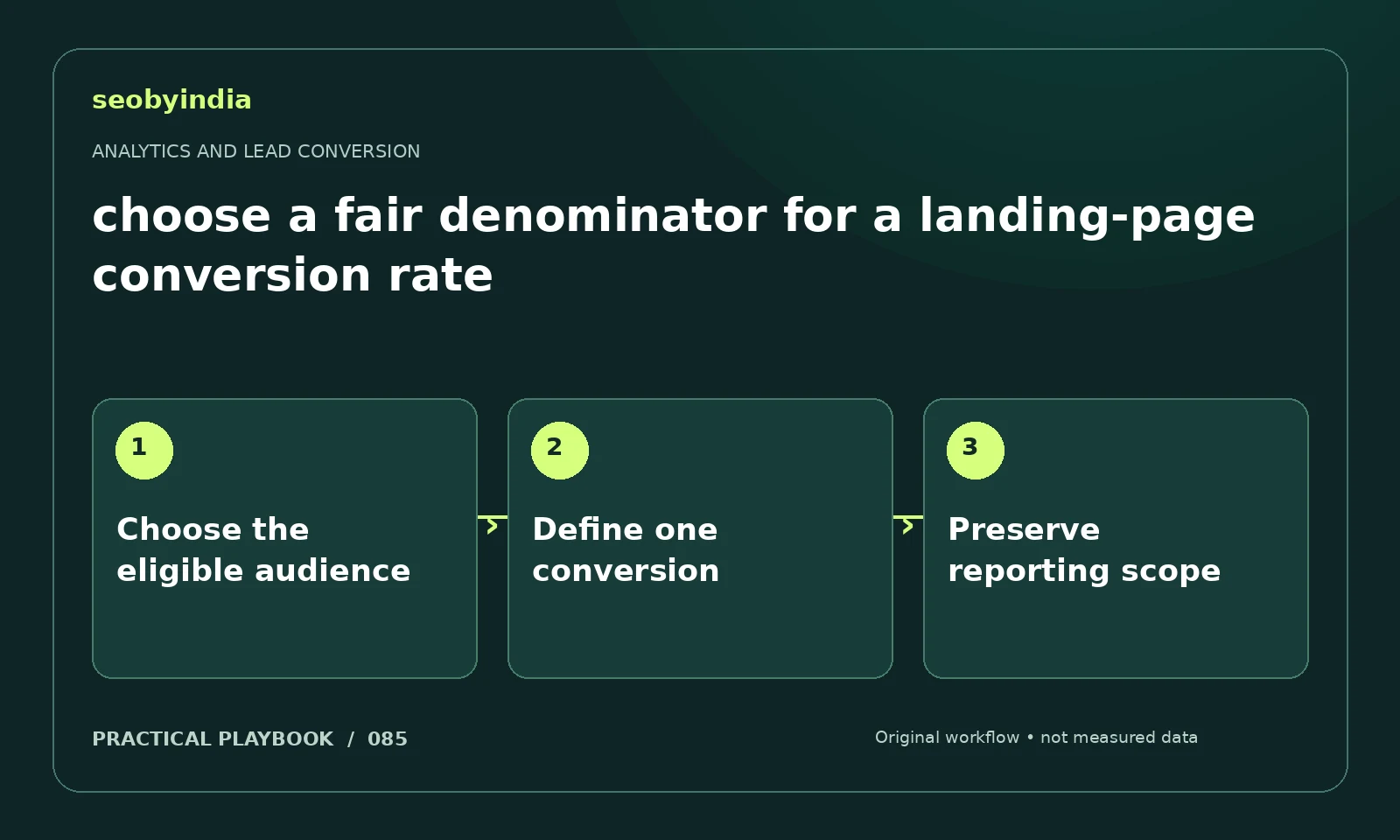
A three-step workflow
Choose the eligible audience
Choose the population that could reasonably complete the action and keep that definition stable across comparisons.
Define one conversion
Define the conversion event precisely and choose whether you are counting sessions with a conversion or total conversion events.
Preserve reporting scope
Use matching time periods and scopes. State any exclusions and avoid comparing a new rate with a historical rate calculated differently.
Illustrative example
Put the decision in context
Compare confirmed enquiries per eligible session for the same page and period. Do not divide users in one report by sessions in another.
What to record in your working sheet
Keep the evidence beside the decision so the work can be checked and handed over. For this task, use these fields:
- Page, event or report name
- Metric scope and counting rule
- Observed record and comparison period
- Known tracking gaps and next validation
A mistake to avoid
Claiming an improvement after changing the denominator.
References and further reading
The workflow and illustrative example are SEOByIndia editorial guidance. Use the linked primary documentation for platform requirements; interfaces and policies can change.
Need help applying this to your site?
Share your website, the problem you are investigating and the evidence you already have. We can discuss a focused scope and the next useful check.
Discuss lead measurement