
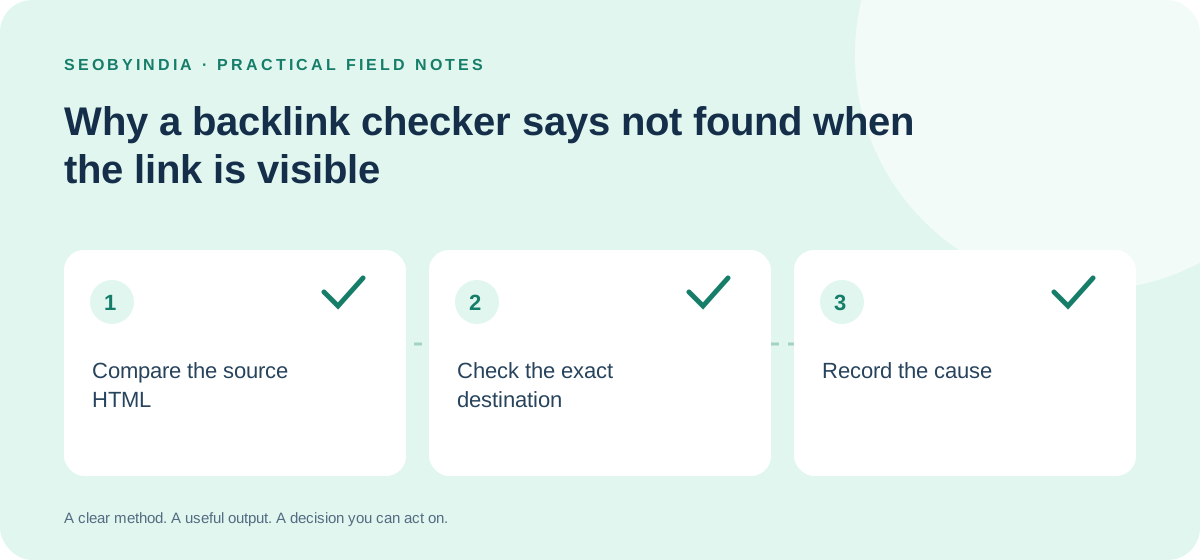
A free checker can report that a link is missing even when you can see it in your browser. Before contacting the publisher, work out what the checker actually inspected. A response-HTML tool and an interactive browser may be looking at different versions of the page or different stages of rendering.
Confirm the source article first
Copy the article URL from the live page, not from a shortened message or a cached preview. Open it without an editing session. Check whether you need to accept a banner, select a location, sign in or click an expandable section before the mention appears. Record the exact condition rather than assuming every visitor sees the same passage.
Use the free backlink verifier with that source URL and the intended destination. A missing match describes the response it received. The tool does not execute JavaScript, log in or click controls, so it cannot confirm every link a browser might display later.
Look for destination differences
- Page path: confirm whether the article links to the intended service page or merely the homepage.
- Host: compare www and non-www versions and any separate tracking domain.
- Parameters: check whether the published link adds a query string that makes it different from the target entered in the tool.
- Redirect: follow the actual link and use the redirect checker to understand the handoff to the final page.
For example, a publisher may link through a tracking URL that later redirects to your website. An exact-target verifier may correctly find no direct link to the final URL. That is a different issue from the mention being removed. Keep both the published href and the final destination in the campaign record.
Compare response HTML with the rendered page
If the link appears only after a script runs, record that rendering dependency. Inspect the page through an authorised browser or ask the publisher how the relevant section is delivered. Do not try to evade a sign-in wall or automated-access restriction to turn an uncertain result into a positive score.
When a link is found, inspect its anchor and rel values in context. A commercial relationship should be qualified appropriately. Neither a missing rel attribute nor a checker match establishes relevance, authority, indexing or ranking benefit.
Send a factual correction request
Provide the live article, the observed link URL, the intended page and a short description of the discrepancy. Ask the editor to confirm the implementation before requesting a change. This makes the message useful and avoids accusing somebody of removing a link that is simply generated differently.
Record the cause, the verification date and the next action. For broader acceptance criteria, use the existing published placement verification guide. Your editorial outreach process should distinguish a tool limitation from a real reader-facing problem.