
Understand the decision
Privacy settings, consent and browser behaviour can affect measurement. Use the data within its actual collection scope and follow applicable requirements for your site.
Choose useful events such as a confirmed enquiry or a download. Decide what information is necessary and avoid sending names, email addresses or message content into general analytics.
A practical workflow
Work through the sequence below. Keep the evidence, the change you make and the acceptance check together so the next person can understand the decision.
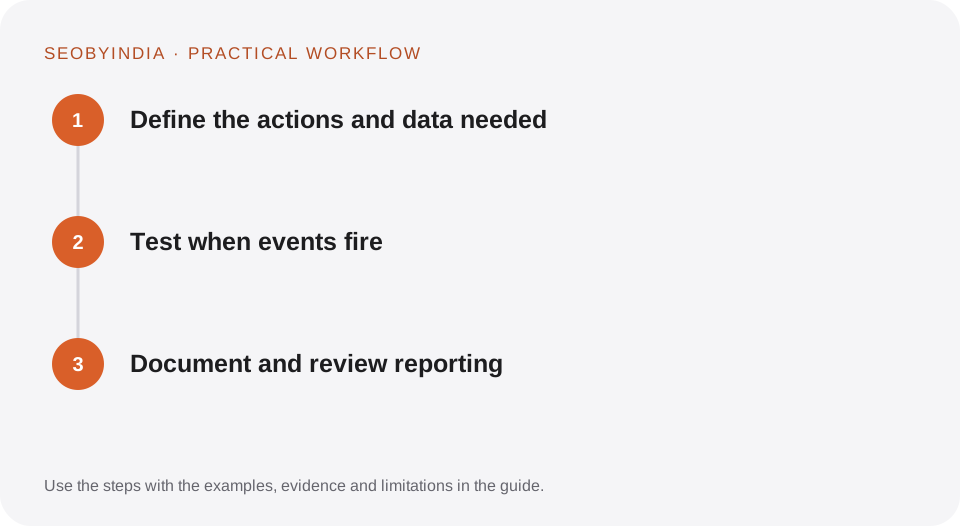
Define the actions and data needed
Choose useful events such as a confirmed enquiry or a download. Decide what information is necessary and avoid sending names, email addresses or message content into general analytics.
Test when events fire
Verify success, validation failure, repeat clicks and mobile behaviour. Ensure a submission event represents the intended completed action rather than simply opening a form page.
Document and review reporting
Record the event definition, implementation date and known limitations. Check after form or theme changes. Keep consent and data-governance decisions with the appropriate owner.
Illustrative scenario
What this looks like in practice
A form success event fires only after the system confirms submission. A separate button-click event measures interest. They are named and reported differently so the dashboard does not treat every click as a lead.
This is a worked example, not a claim about a client campaign or a promised result.
Before you sign it off
Do not place personal enquiry details in analytics event parameters. Do not call missing tracking evidence proof that no customers used the site.
Keep a useful decision record
- Purpose
- Write the customer task this change is meant to improve.
- Evidence
- Save the relevant page, source or observation and its date.
- Owner
- Identify who implements the change and who verifies it.
- Acceptance
- State what a correct result looks like before measuring its wider effect.
What to measure
Track event correctness, duplicate rates where detectable and useful actions within the available consented measurement scope.
Record the baseline and the observation window. If the measurement setup changes, annotate the report before comparing periods. Use the findings to choose the next useful improvement, rather than treating one encouraging result as proof of a permanent outcome.
Sources and further reading
These primary references provide platform guidance and context. The workflows and scenarios on this page are editorial explanations; a source link does not turn an example into a measured result.
Need help applying this?
Start with your website, target audience and the problem you want to solve. We can agree on the useful work, implementation responsibilities and reporting.
Explore the relevant serviceDiscuss the scope