
Understand the decision
The website and profile should agree about services and contact details. Access to a profile also needs to remain with the authorised business owner.
Review the official guidance for the business type, location and service-area arrangement. Use the actual business name. Do not add marketing phrases that are not part of that name.
A practical workflow
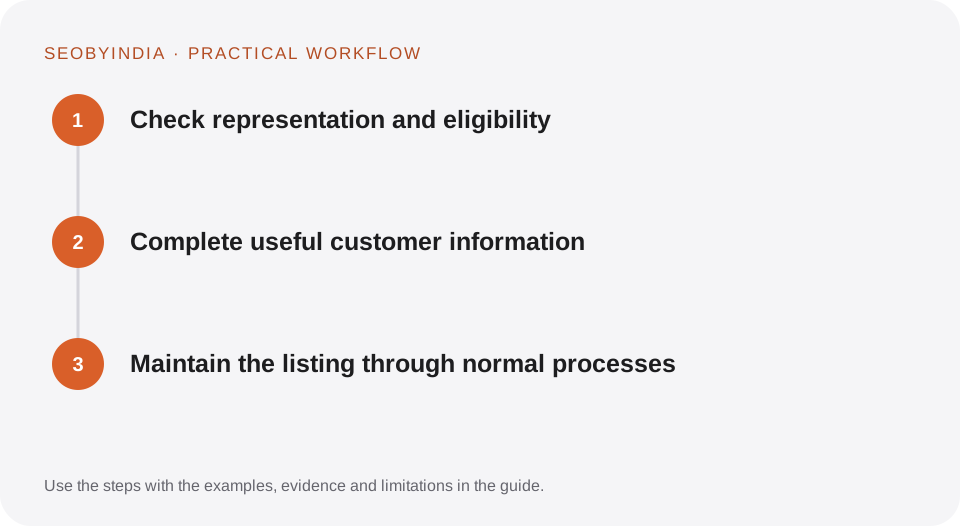
Work through the sequence below. Keep the evidence, the change you make and the acceptance check together so the next person can understand the decision.
Check representation and eligibility
Review the official guidance for the business type, location and service-area arrangement. Use the actual business name. Do not add marketing phrases that are not part of that name.
Complete useful customer information
Provide accurate hours, services, contact routes and appropriate images. Explain temporary changes promptly. Avoid promising services or availability that the business has not confirmed.
Maintain the listing through normal processes
Review suggested edits and customer questions. Respond professionally to genuine reviews and keep ownership access documented. Do not create duplicate listings to obtain more coverage.
Illustrative scenario
What this looks like in practice
A service business changes its seasonal hours. The owner updates the profile and website consistently and checks that the customer contact route reflects the new schedule.
This is a worked example, not a claim about a client campaign or a promised result.
Before you sign it off
Do not buy reviews, fabricate locations or create profiles for businesses that do not meet the platform’s rules. Verification is a platform process, not a ranking guarantee.
Keep a useful decision record
- Purpose
- Write the customer task this change is meant to improve.
- Evidence
- Save the relevant page, source or observation and its date.
- Owner
- Identify who implements the change and who verifies it.
- Acceptance
- State what a correct result looks like before measuring its wider effect.
What to measure
Track accurate listing information, relevant customer actions and qualified local enquiries. Note the reporting scope of profile metrics.
Record the baseline and the observation window. If the measurement setup changes, annotate the report before comparing periods. Use the findings to choose the next useful improvement, rather than treating one encouraging result as proof of a permanent outcome.
Sources and further reading
These primary references provide platform guidance and context. The workflows and scenarios on this page are editorial explanations; a source link does not turn an example into a measured result.
Need help applying this?
Start with your website, target audience and the problem you want to solve. We can agree on the useful work, implementation responsibilities and reporting.
Explore the relevant serviceDiscuss the scope