
The short answer
Describe the visual's useful meaning and put detailed data or procedures in nearby HTML.
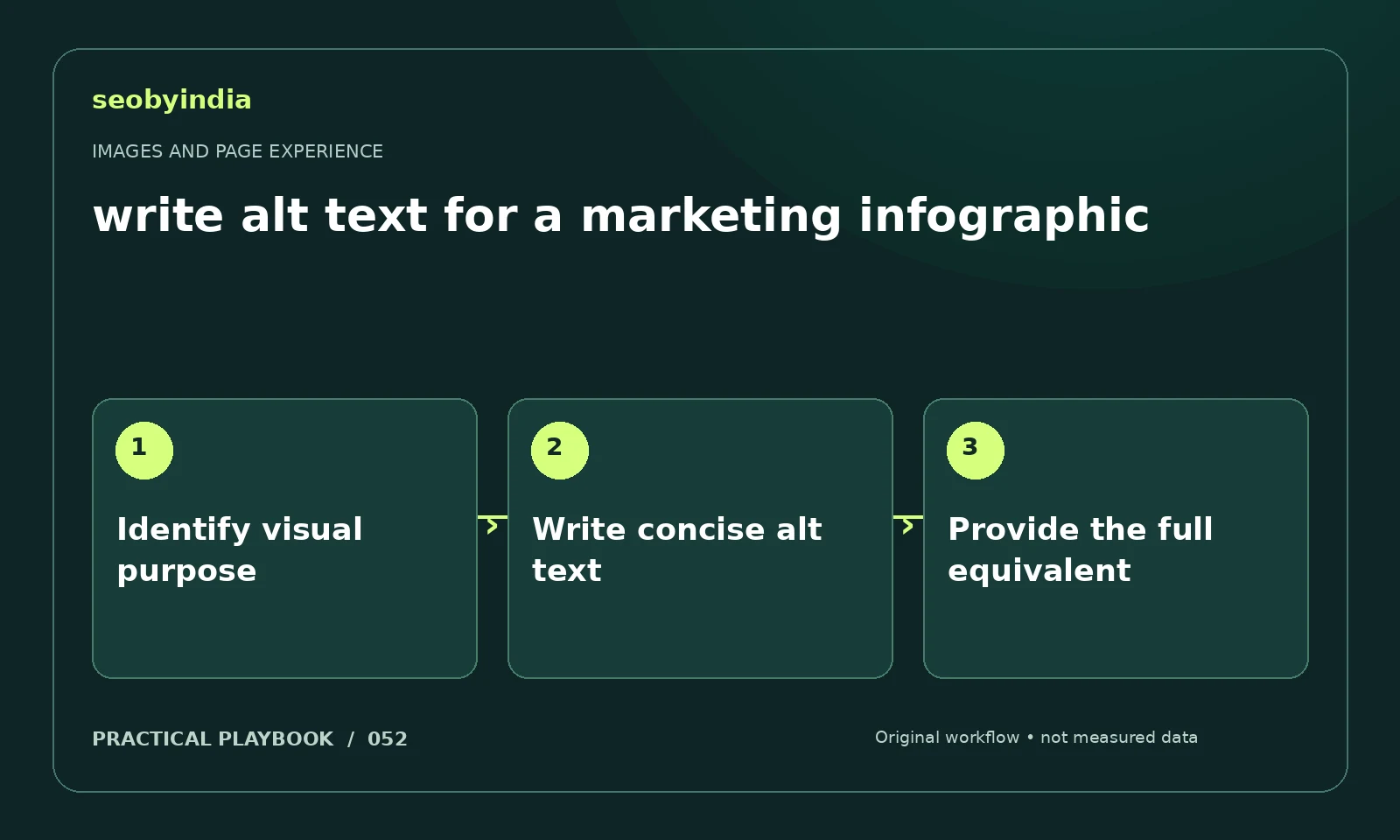
A three-step workflow
Identify visual purpose
Decide whether the image conveys essential information, adds context or is purely decorative. The alternative text should reflect that role.
Write concise alt text
Describe the key meaning concisely. Avoid repeating a nearby caption word for word when it adds no useful information.
Provide the full equivalent
Publish the full procedure or data table in the article. Alt text should not be the only place essential instructions exist.
Illustrative example
Put the decision in context
For a citation audit workflow, describe the three stages in alt text and list the exact checks in the article. Avoid packing the entire article into the alt attribute.
What to record in your working sheet
Keep the evidence beside the decision so the work can be checked and handed over. For this task, use these fields:
- Page URL and image or interaction
- Reader purpose and expected behavior
- Observed usability or loading issue
- Asset change and before/after check
A mistake to avoid
Stuffing keywords into alt text instead of describing the image.
References and further reading
The workflow and illustrative example are SEOByIndia editorial guidance. Use the linked primary documentation for platform requirements; interfaces and policies can change.
Need help applying this to your site?
Share your website, the problem you are investigating and the evidence you already have. We can discuss a focused scope and the next useful check.
Discuss a page experience review