
The short answer
Keep images that explain the service or support real identity, and replace generic decoration where an original visual is more useful.
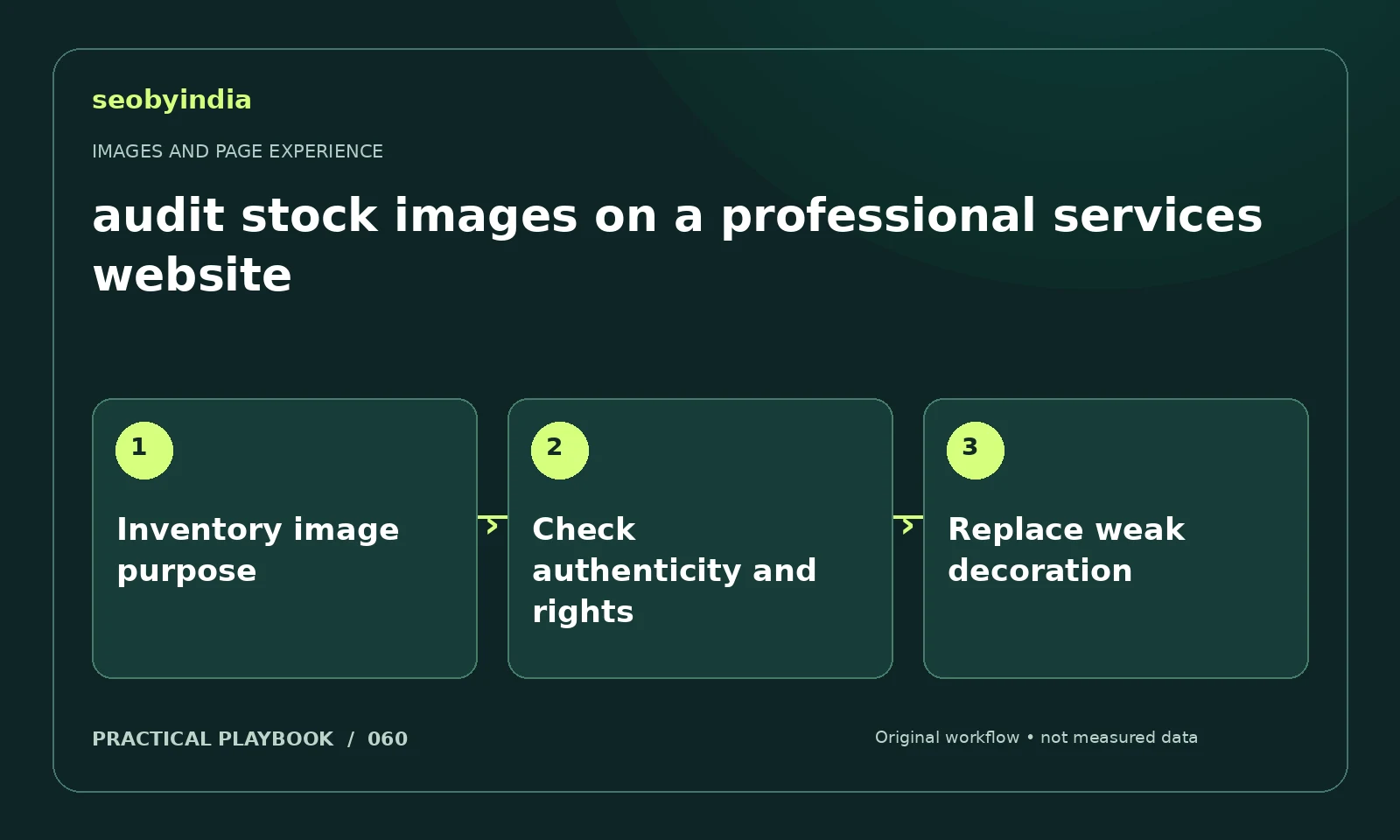
A three-step workflow
Inventory image purpose
List major images and assign each a purpose: explain, identify, demonstrate or decorate. Note where the image does not help the page.
Check authenticity and rights
Confirm usage rights and whether people or results are being represented accurately. Keep actual proof separate from illustrative imagery.
Replace weak decoration
Replace weak decoration with a relevant original workflow, real permitted photo or useful example. Avoid adding weight without adding understanding.
Illustrative example
Put the decision in context
A generic robot picture may be less useful than a diagram showing how an AI citation audit is performed. Use real team photos only with permission.
What to record in your working sheet
Keep the evidence beside the decision so the work can be checked and handed over. For this task, use these fields:
- Page URL and image or interaction
- Reader purpose and expected behavior
- Observed usability or loading issue
- Asset change and before/after check
A mistake to avoid
Using stock people as implied client testimonials or employees.
References and further reading
The workflow and illustrative example are SEOByIndia editorial guidance. Use the linked primary documentation for platform requirements; interfaces and policies can change.
Need help applying this to your site?
Share your website, the problem you are investigating and the evidence you already have. We can discuss a focused scope and the next useful check.
Discuss a page experience review