
The short answer
Delay images below the initial viewport while giving important first-screen content appropriate loading priority.
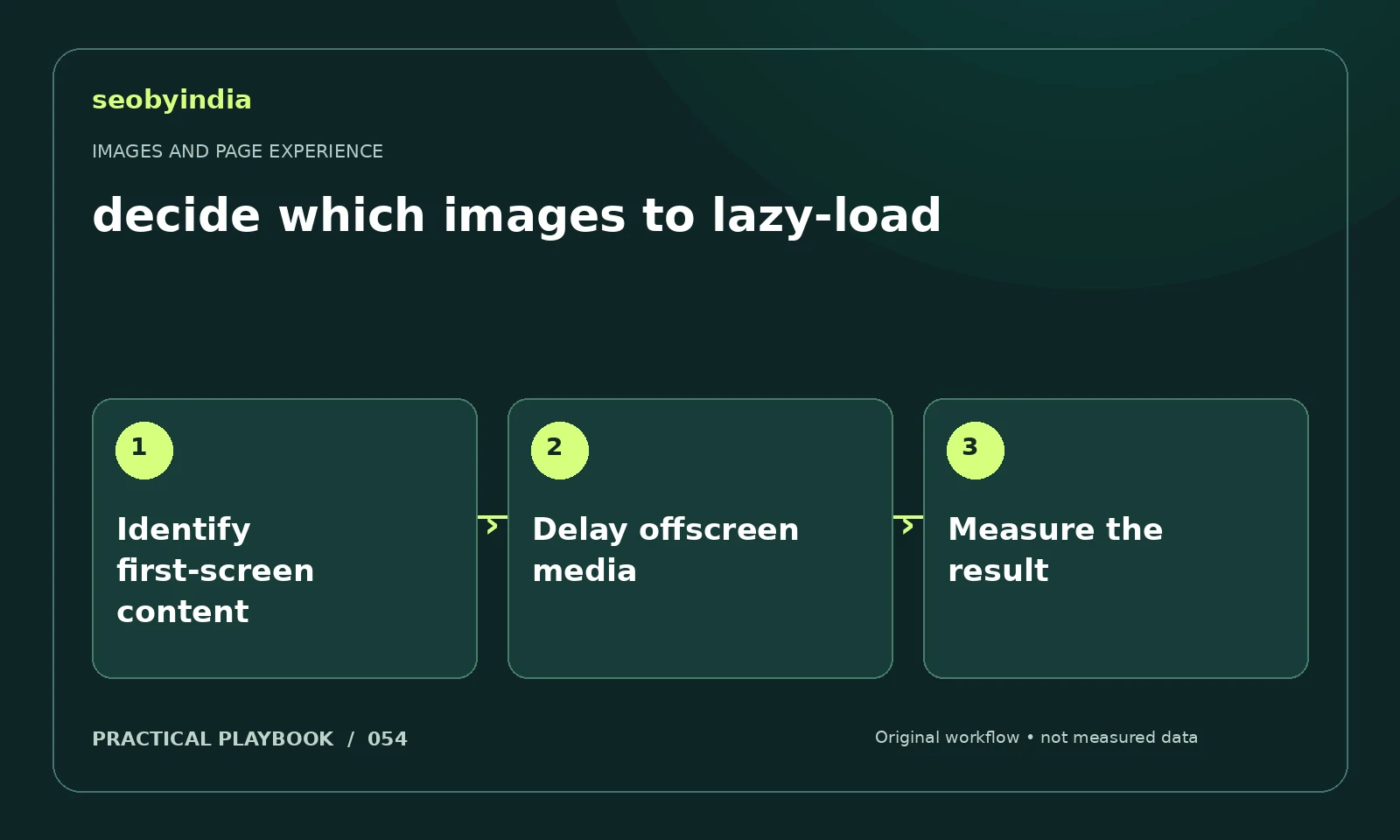
A three-step workflow
Identify first-screen content
Identify which image is likely to be visible immediately and which media appears much later in the article.
Delay offscreen media
Apply delayed loading to suitable offscreen images while keeping important initial content discoverable. Avoid relying on user gestures for essential content.
Measure the result
Measure loading after the change on representative pages. Check both first-screen performance and whether later images actually appear.
Illustrative example
Put the decision in context
A long guide can lazy-load later diagrams while keeping its main visible illustration readily discoverable. Test rather than applying one setting to every image.
What to record in your working sheet
Keep the evidence beside the decision so the work can be checked and handed over. For this task, use these fields:
- Page URL and image or interaction
- Reader purpose and expected behavior
- Observed usability or loading issue
- Asset change and before/after check
A mistake to avoid
Lazy-loading the main image without checking loading performance.
References and further reading
The workflow and illustrative example are SEOByIndia editorial guidance. Use the linked primary documentation for platform requirements; interfaces and policies can change.
Need help applying this to your site?
Share your website, the problem you are investigating and the evidence you already have. We can discuss a focused scope and the next useful check.
Discuss a page experience review