
The short answer
Reproduce the interaction and investigate scripts, long tasks and third-party widgets before changing the design.
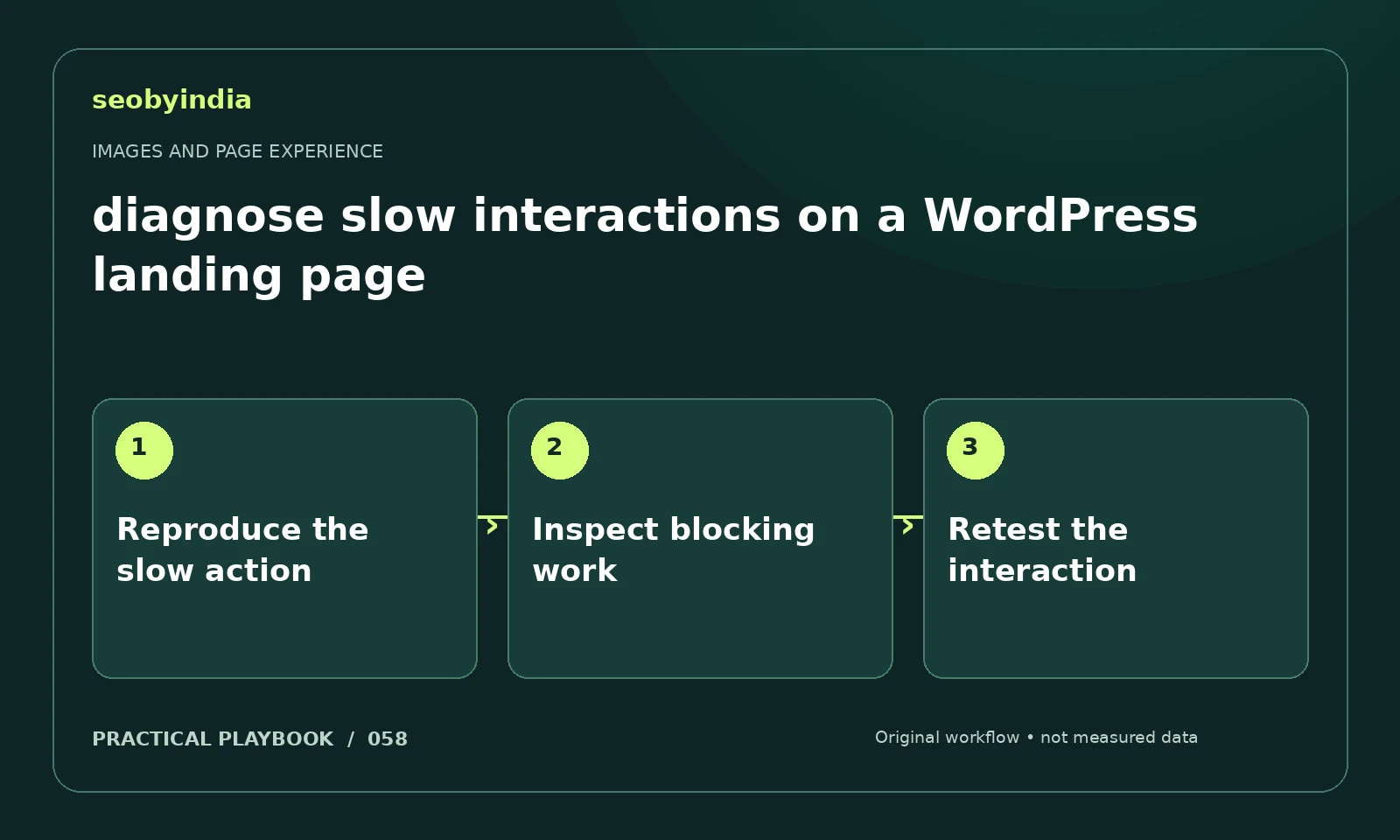
A three-step workflow
Reproduce the slow action
Reproduce the slow interaction consistently and note the device, page and action. Separate delayed navigation from delayed response to input.
Inspect blocking work
Use suitable performance diagnostics to investigate long tasks and scripts. Third-party forms and widgets deserve attention when they overlap the symptom.
Retest the interaction
Make a controlled change in an appropriate test environment and repeat the same action. Compare evidence before releasing broadly.
Illustrative example
Put the decision in context
If opening a form is slow, compare the experience with nonessential widgets disabled in a safe test environment. Measure the actual user action.
What to record in your working sheet
Keep the evidence beside the decision so the work can be checked and handed over. For this task, use these fields:
- Page URL and image or interaction
- Reader purpose and expected behavior
- Observed usability or loading issue
- Asset change and before/after check
A mistake to avoid
Installing several optimization plugins without identifying the bottleneck.
References and further reading
The workflow and illustrative example are SEOByIndia editorial guidance. Use the linked primary documentation for platform requirements; interfaces and policies can change.
Need help applying this to your site?
Share your website, the problem you are investigating and the evidence you already have. We can discuss a focused scope and the next useful check.
Discuss a page experience review