
The short answer
Trigger reporting from confirmed form success and prevent refreshes from creating additional leads.
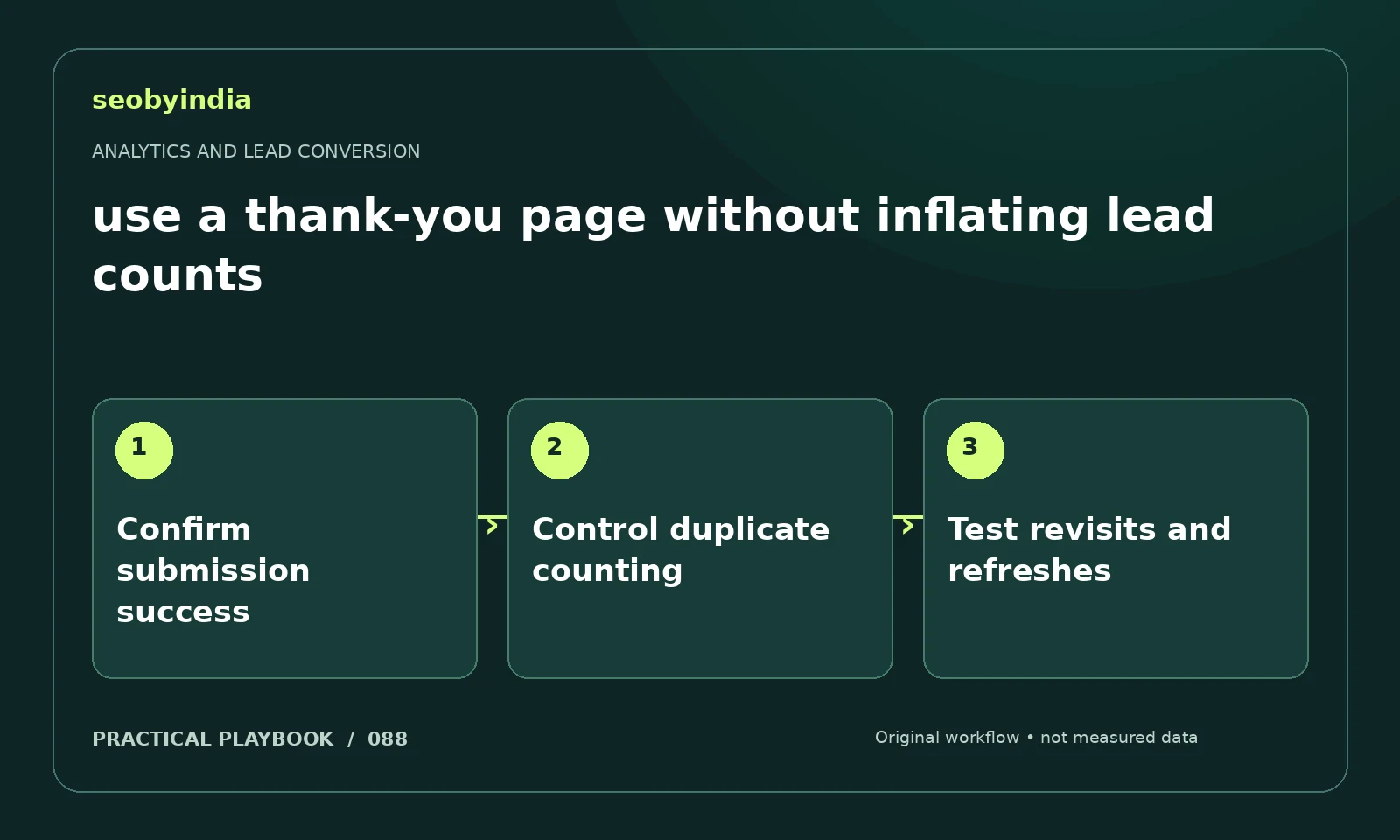
A three-step workflow
Confirm submission success
Identify the signal that confirms the form was accepted. A direct visit to a thank-you URL is not enough evidence by itself.
Control duplicate counting
Check how the measurement handles reloads, revisits and repeated submissions. A stored record can help reconcile genuine unique enquiries.
Test revisits and refreshes
Test the expected user journeys and compare analytics with actual accepted entries. Document the chosen counting rule in the report.
Illustrative example
Put the decision in context
A person reloading the thank-you page should not become three new leads. Reconcile analytics with a unique stored enquiry record.
What to record in your working sheet
Keep the evidence beside the decision so the work can be checked and handed over. For this task, use these fields:
- Page, event or report name
- Metric scope and counting rule
- Observed record and comparison period
- Known tracking gaps and next validation
A mistake to avoid
Counting every thank-you-page view as a unique lead.
References and further reading
The workflow and illustrative example are SEOByIndia editorial guidance. Use the linked primary documentation for platform requirements; interfaces and policies can change.
Need help applying this to your site?
Share your website, the problem you are investigating and the evidence you already have. We can discuss a focused scope and the next useful check.
Discuss lead measurement