
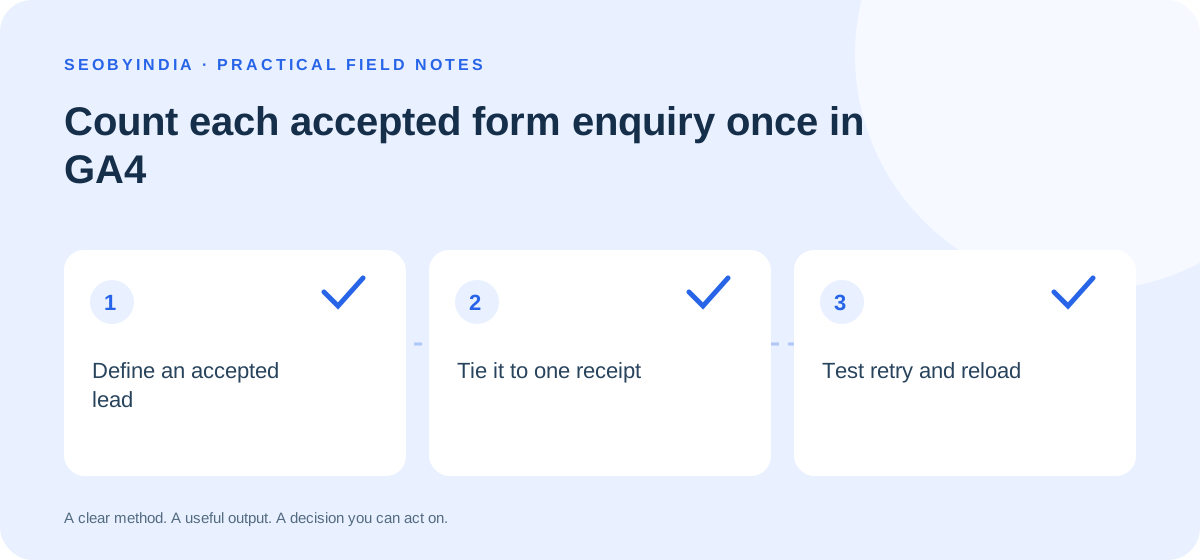
A visitor submits an enquiry, gets a slow response and presses the button again. If a click trigger or confirmation page fires each time, the dashboard can record two leads for one saved enquiry. Define a lead as one submission accepted by your form backend. Use the saved records as your business count and test the analytics event against them.
Define the point of acceptance
Ask the developer which response confirms the form has passed validation and been saved. A submit click, a network request and an email notification are different steps. Use the successful save as the trigger for the recommended GA4 event generate_lead. Keep a separate state for enquiries your team has reviewed and qualified. Define the stages of lead tracking.
Give each accepted enquiry a receipt
Have the form create a submission token and reuse it when retrying the same request. The backend can enforce uniqueness for that token and return the same receipt when it has already saved the request. A genuinely new submission receives a new token. Disabling the button while the request runs improves the experience, and the backend check covers cases such as a timeout followed by a retry.
Choose a single analytics trigger for the form. If the browser sends the event, have it handle the success response once per receipt in the session and avoid triggering again when the confirmation view renders. When retries can span sessions or tabs, use a durable dispatch record keyed to the saved enquiry and review the event delivery behaviour with the developer. Keep the receipt in your own system. Analytics needs only permitted measurement data such as a generic form type. Keep names, email addresses, phone numbers and message text out of event parameters and page URLs. Respect the visitor’s analytics consent.
Example from a hypothetical quote form
The server saves a quote request but the response times out. The visitor clicks retry. The request uses the original token, so the backend returns the receipt for the existing record. The form shows the confirmation and handles that receipt once. Reloading the confirmation page preserves the message without starting another analytics trigger. A second request for a different job gets a new token and can produce its own lead event.
Test the exceptions before release
On a test setup with analytics permitted, send one valid enquiry, an invalid one and a valid enquiry with an intentionally delayed response. Try double clicking, retrying, refreshing and submitting a separate enquiry. Compare saved records with generate_lead in DebugView. Inspect the event parameters for accidental personal data. Document any gap caused by consent or delivery, then review the counts again after launch. Document your GA4 event definition.