
The short answer
Find links to the old URL, update relevant destinations and verify the redirect remains useful.
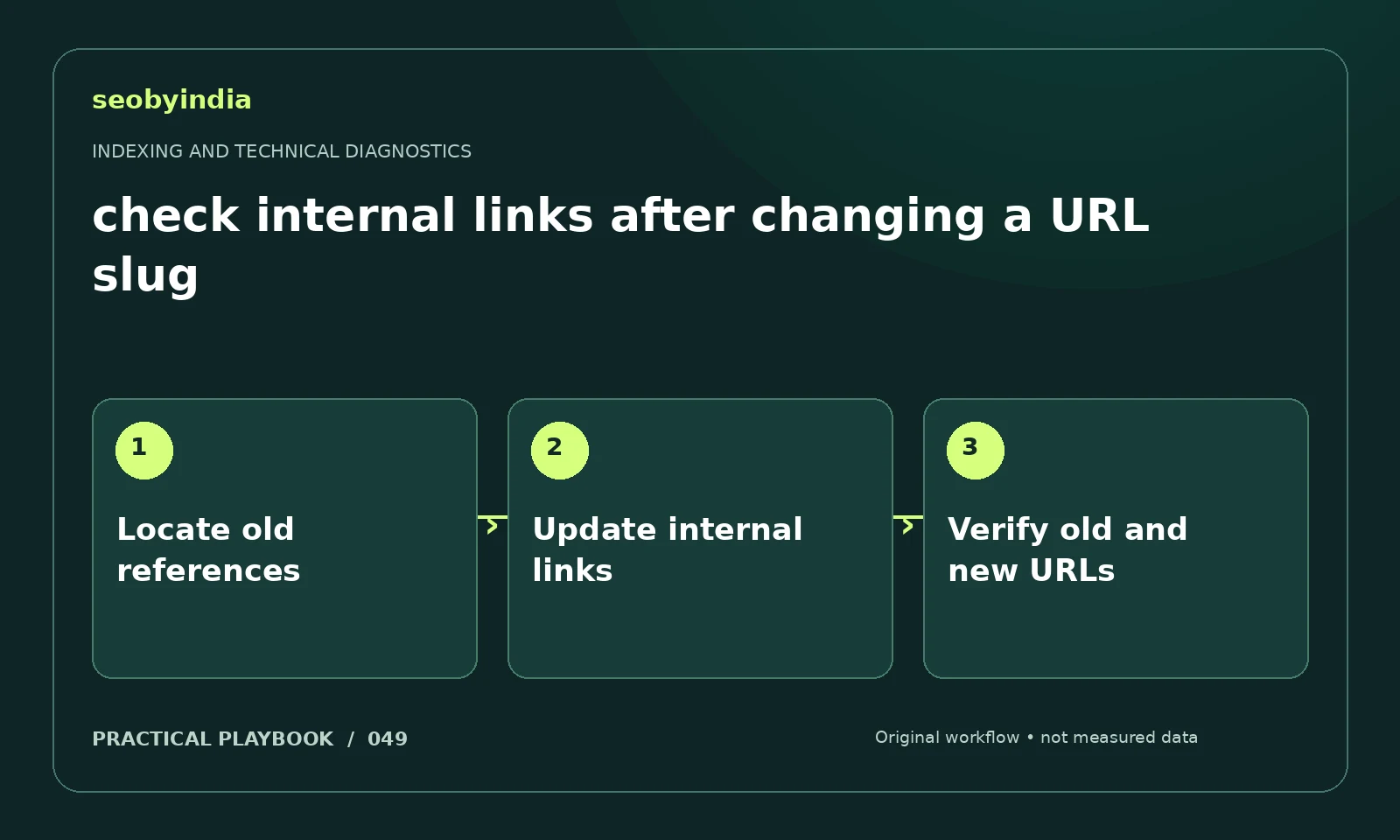
A three-step workflow
Locate old references
Find the old slug in crawl data, navigation and content references. Include important buttons and image links, not just body text.
Update internal links
Update internal links that should point directly to the new preferred URL. Check that anchor descriptions still match the destination.
Verify old and new URLs
Verify that the new page works and old references receive the intended relevant redirect. Keep external users in mind when retiring old routes.
Illustrative example
Put the decision in context
A renamed audit guide may still be linked from its hub and menu. Update those links and preserve a relevant redirect for external references.
What to record in your working sheet
Keep the evidence beside the decision so the work can be checked and handed over. For this task, use these fields:
- Affected URL and expected behavior
- Observed response and page directive
- Conflicting signal or supporting evidence
- Proposed fix, owner and retest result
A mistake to avoid
Changing a slug without a redirect or internal-link review.
References and further reading
The workflow and illustrative example are SEOByIndia editorial guidance. Use the linked primary documentation for platform requirements; interfaces and policies can change.
Need help applying this to your site?
Share your website, the problem you are investigating and the evidence you already have. We can discuss a focused scope and the next useful check.
Discuss a technical SEO audit