
How to use AI Citation Tracking Sheet Builder
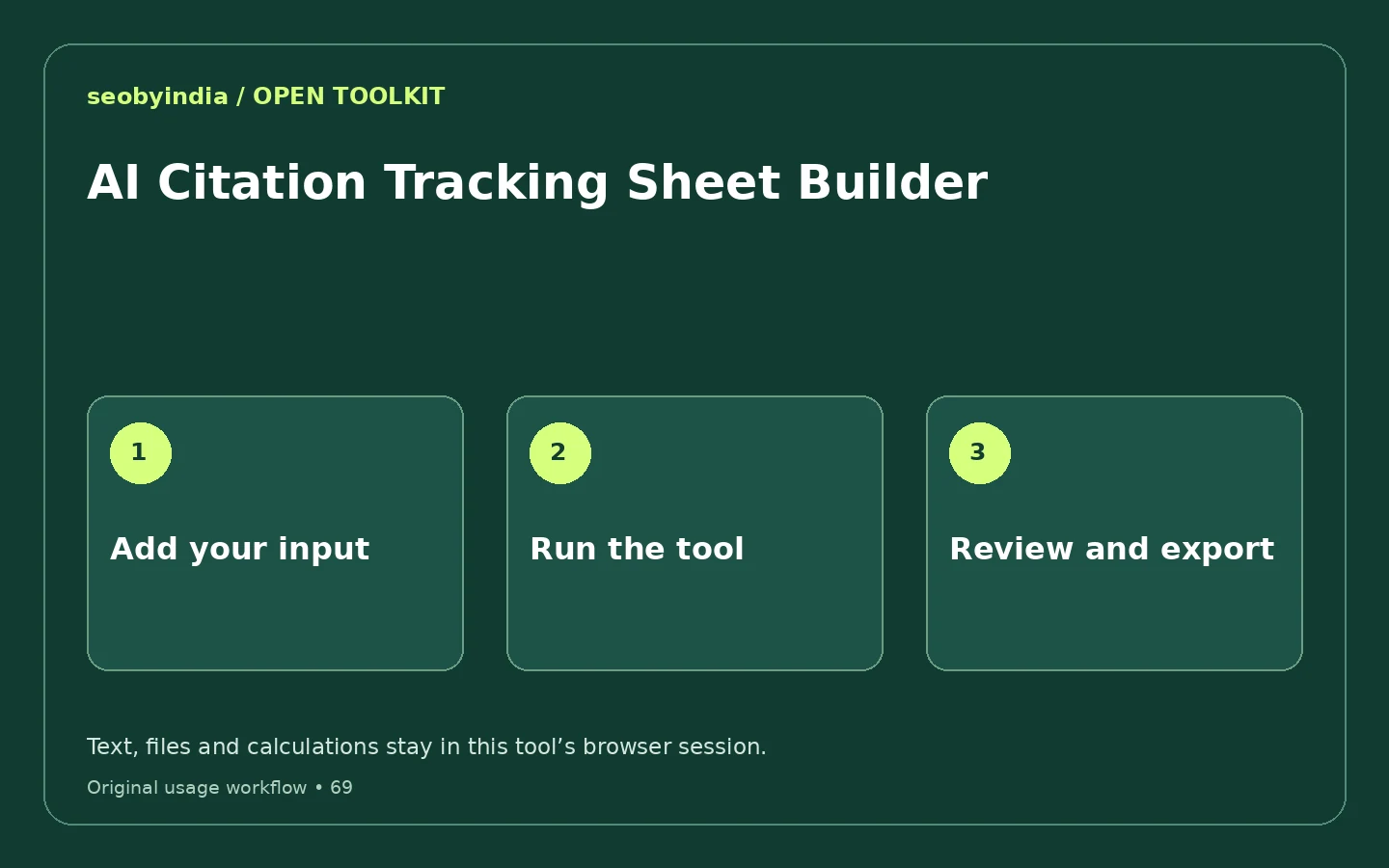
Add the right input
Use One buyer question per line, Platform label. You can select Load example to try the supplied public sample before entering your own material.
Run the tool and inspect the result
The builder assigns prompt IDs and creates an empty observation template. It does not query AI systems or fill in visibility results.
Review, then copy or download
Check the output against the example and the limits below. Use Copy result for the text output, or Download result to save the working result. Generated markup remains a draft until you publish it yourself.
Worked example
What a useful result looks like
Two buyer questions create two blank tracking rows with columns for date, mode, mentions, citation URL and evidence.
Understand the method and its limits
The builder assigns prompt IDs and creates an empty observation template. It does not query AI systems or fill in visibility results.
A blank worksheet is not an AI visibility audit. Record actual dated answers, distinguish a mention from a citation and disclose the sample limits.
Watch the animated usage guide
28-second illustrated guide with on-screen text and no audio. This is an example walkthrough, not a recording of your input.
Read the video transcript
- Add the right input. Use One buyer question per line, Platform label. You can select Load example to try the supplied public sample before entering your own material.
- Run the tool and inspect the result. The builder assigns prompt IDs and creates an empty observation template. It does not query AI systems or fill in visibility results.
- Review, then copy or download. Check the output against the example and the limits below. Use Copy result for the text output, or Download result to save the working result. Generated markup remains a draft until you publish it yourself.
Questions and answers
Is this AI Citation Tracking Sheet Builder free?
Yes. This tool can be used without an account or subscription. It works in a modern browser with JavaScript enabled. Your device and browser resources determine practical processing capacity.
What should I check before using the output?
A blank worksheet is not an AI visibility audit. Record actual dated answers, distinguish a mention from a citation and disclose the sample limits.
Does this tool query ChatGPT, Gemini or Claude?
No. It prepares a local working document from your inputs. It does not call an AI provider, generate observed citations or establish visibility in an AI answer.
Does this tool upload my input?
The tool implementation performs its calculation or file transformation in your browser. It does not upload your source text or selected files for processing. Use Clear when you are finished, and avoid entering secrets into shared computers.
Related tools for the next task
Browse the complete free toolkitTechnical reference
Original SEOByIndia implementation and explanatory content · Published 12 November 2026. Examples are illustrative. These utilities do not claim search rankings, AI citations or unmeasured traffic results.
Need help turning a result into a useful change?
Share your website and the specific issue you are working on. We can discuss the next check, a focused scope and what evidence would be needed.
Discuss your website