
Understand the decision
Changing the denominator can make two reports look contradictory even when both calculations are correct. Define the business question first.
Distinguish a button click, valid submission, qualified enquiry and accepted project. Avoid combining actions of very different value into one unexplained total.
A practical workflow
Work through the sequence below. Keep the evidence, the change you make and the acceptance check together so the next person can understand the decision.
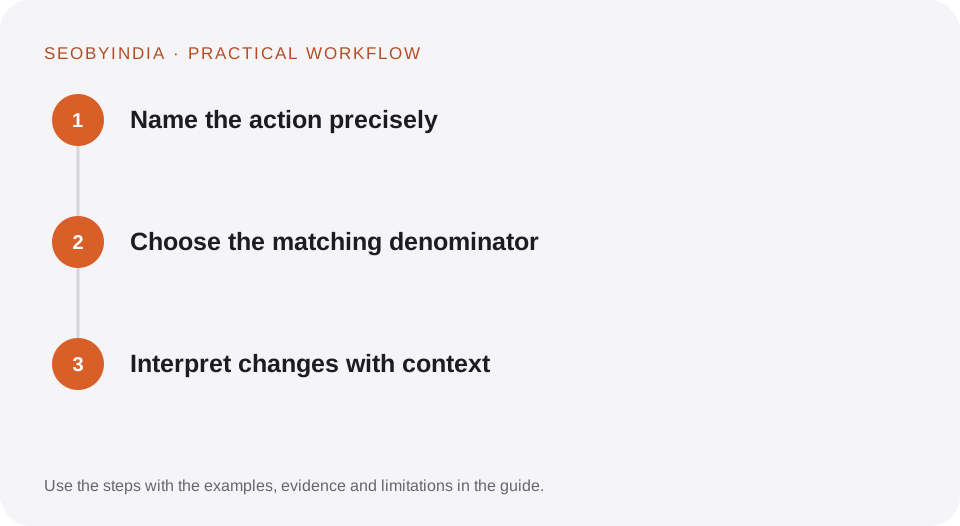
Name the action precisely
Distinguish a button click, valid submission, qualified enquiry and accepted project. Avoid combining actions of very different value into one unexplained total.
Choose the matching denominator
Use the population that had a meaningful chance to take the action. Keep filtering, period and device scope consistent. Document exclusions such as tests and known spam.
Interpret changes with context
Review the mix of traffic, sample size and operational capacity. A higher rate from much less suitable traffic can still produce fewer useful outcomes.
Illustrative scenario
What this looks like in practice
If 20 valid enquiries arise from 1,000 measured sessions, the enquiry rate is 2%. If eight are qualified, the qualification rate among enquiries is 40%. Report the two rates with their different denominators.
This is a worked example, not a claim about a client campaign or a promised result.
Before you sign it off
Do not call a rate improvement proof of a causal design effect without considering other changes. Do not compare a session rate with a user rate as if they were identical.
Keep a useful decision record
- Purpose
- Write the customer task this change is meant to improve.
- Evidence
- Save the relevant page, source or observation and its date.
- Owner
- Identify who implements the change and who verifies it.
- Acceptance
- State what a correct result looks like before measuring its wider effect.
What to measure
Track defined rates, absolute useful outcomes and enough contextual information to interpret the comparison.
Record the baseline and the observation window. If the measurement setup changes, annotate the report before comparing periods. Use the findings to choose the next useful improvement, rather than treating one encouraging result as proof of a permanent outcome.
Sources and further reading
These primary references provide platform guidance and context. The workflows and scenarios on this page are editorial explanations; a source link does not turn an example into a measured result.
Need help applying this?
Start with your website, target audience and the problem you want to solve. We can agree on the useful work, implementation responsibilities and reporting.
Explore the relevant serviceDiscuss the scope