
Understand the decision
A visually impressive page can be frustrating when its main image loads late, a menu reacts slowly or a moving banner shifts the button someone was about to press. Fix the user problem and verify the improvement across representative templates.
Test the homepage, a long guide, a form and an image-heavy page. Include slower mobile conditions. Record the page version and environment so later comparisons are meaningful.
A practical workflow
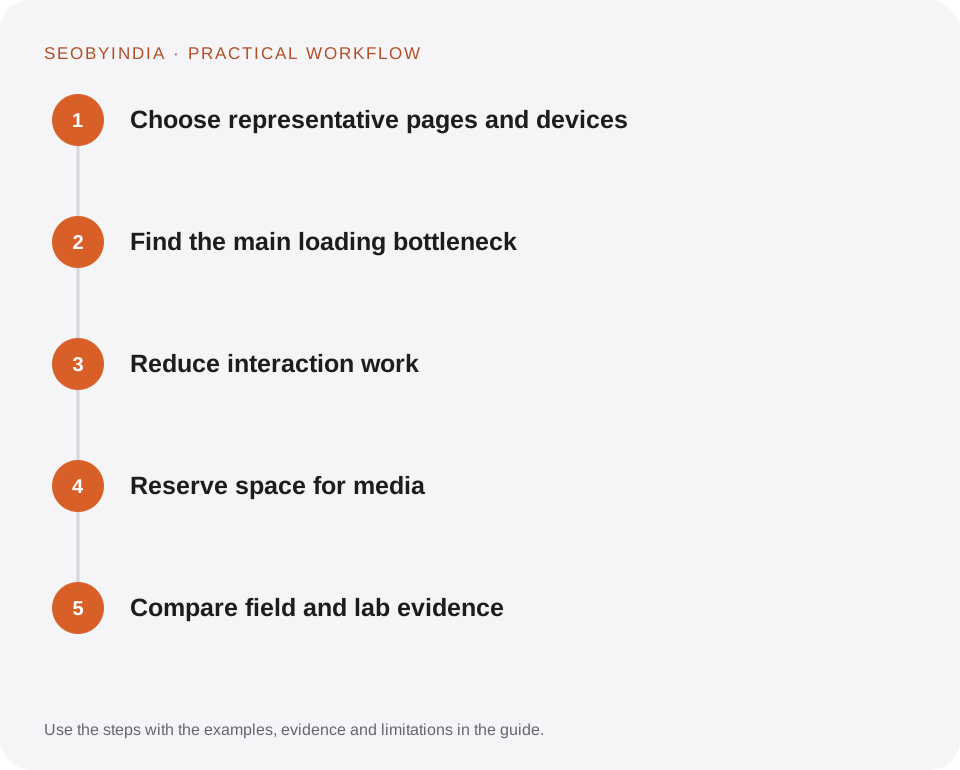
Work through the sequence below. Keep the evidence, the change you make and the acceptance check together so the next person can understand the decision.
Choose representative pages and devices
Test the homepage, a long guide, a form and an image-heavy page. Include slower mobile conditions. Record the page version and environment so later comparisons are meaningful.
Find the main loading bottleneck
Identify the largest visible content and how it is requested. Optimise the actual hero image, server response and render-blocking resources before chasing tiny assets.
Reduce interaction work
Remove unnecessary scripts and heavy handlers. Defer optional features and keep controls usable while enhancements load. Test typing, navigation and form interaction rather than just initial load.
Reserve space for media
Provide dimensions or aspect ratios for images and embeds. Avoid inserting promotional content above an active reading position. Check layout shifts during the whole visit.
Compare field and lab evidence
Use lab tests to confirm a hypothesis quickly, then allow field data to reflect the deployment. Report the measurement window and avoid presenting a lab score as proof of universal performance.
Illustrative scenario
What this looks like in practice
A guide page reserves image dimensions, loads the main visual promptly and lazy-loads lower illustrations. Its table of contents works without a large framework, and optional motion respects reduced-motion preferences.
This is a worked example, not a claim about a client campaign or a promised result.
Before you sign it off
Do not remove useful content simply to improve a synthetic score. The page still needs to satisfy its audience and remain accessible.
Keep a useful decision record
- Purpose
- Write the customer task this change is meant to improve.
- Evidence
- Save the relevant page, source or observation and its date.
- Owner
- Identify who implements the change and who verifies it.
- Acceptance
- State what a correct result looks like before measuring its wider effect.
What to measure
Monitor LCP, INP and CLS where data is available, plus template-specific lab diagnostics and real task completion.
Record the baseline and the observation window. If the measurement setup changes, annotate the report before comparing periods. Use the findings to choose the next useful improvement, rather than treating one encouraging result as proof of a permanent outcome.
Sources and further reading
These primary references provide platform guidance and context. The workflows and scenarios on this page are editorial explanations; a source link does not turn an example into a measured result.
Need help applying this?
Start with your website, target audience and the problem you want to solve. We can agree on the useful work, implementation responsibilities and reporting.
Explore the relevant serviceDiscuss the scope