
The short answer
Use an appropriately sized image and keep essential headline text as HTML whenever possible.
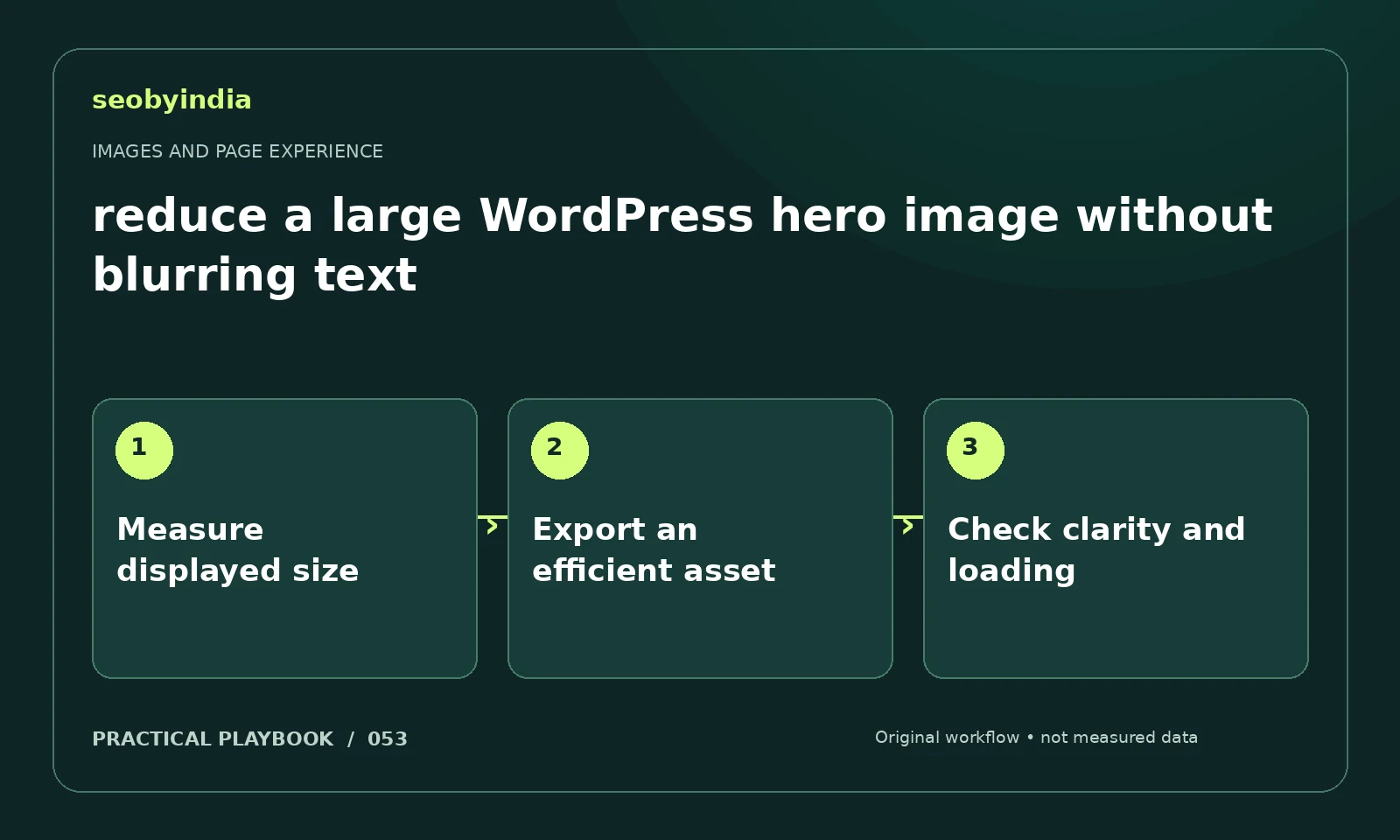
A three-step workflow
Measure displayed size
Measure the image's actual display dimensions on representative screens. Identify whether embedded text is necessary or belongs in HTML.
Export an efficient asset
Export an appropriately sized asset in an efficient supported format. Preserve a source version so later edits do not repeatedly compress it.
Check clarity and loading
Check the downloaded image on real display sizes and inspect page loading. A smaller file is only useful if the image still communicates clearly.
Illustrative example
Put the decision in context
A full-width hero should not require a huge screenshot containing tiny text. Use responsive imagery and a separate live headline.
What to record in your working sheet
Keep the evidence beside the decision so the work can be checked and handed over. For this task, use these fields:
- Page URL and image or interaction
- Reader purpose and expected behavior
- Observed usability or loading issue
- Asset change and before/after check
A mistake to avoid
Compressing a text-heavy screenshot until the labels become unreadable.
References and further reading
The workflow and illustrative example are SEOByIndia editorial guidance. Use the linked primary documentation for platform requirements; interfaces and policies can change.
Need help applying this to your site?
Share your website, the problem you are investigating and the evidence you already have. We can discuss a focused scope and the next useful check.
Discuss a page experience review