
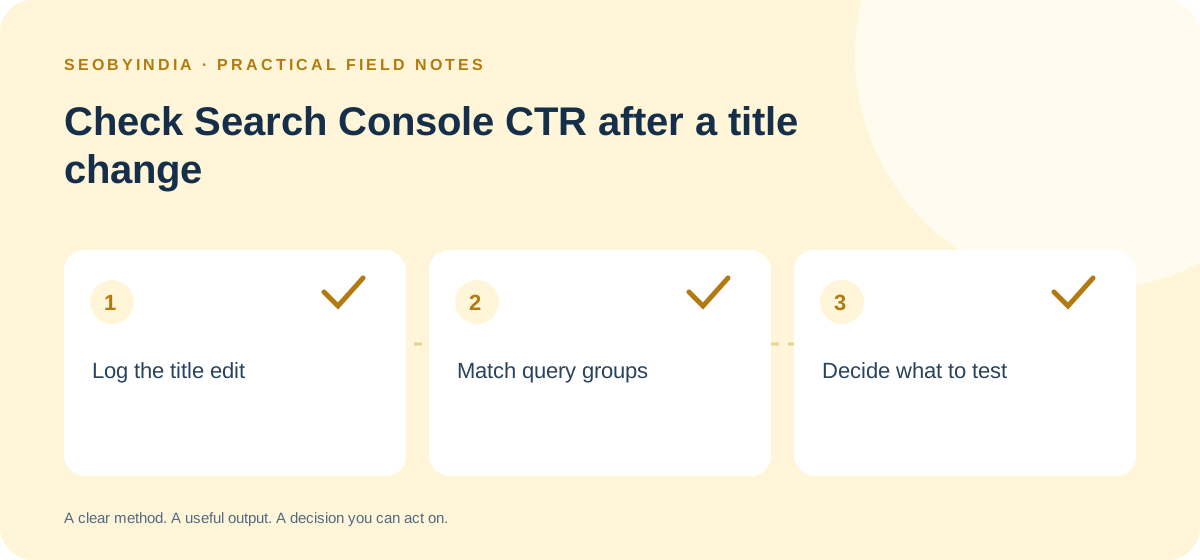
A service page’s overall click-through rate can fall while it earns a larger share of clicks for the search you wanted to improve. The overall number combines different queries and positions. After a title edit, compare a few relevant searches under the same conditions before deciding whether the wording needs another change.
Log what changed and when
Save the old and new page titles, the exact URL, the deployment date and the customer intent you expect the edit to serve. Note any simultaneous change to the heading, offer or page address. Google builds the title link shown in results from several signals and needs to recrawl and process a page to pick up updates. If you observe a new title in search, record the query, device and date of the observation. A screenshot is a sample of the result, so keep the deployment and observation dates separate.
Compare the same slice of searches
- In Search Console’s Search results report, select Web search and filter to the exact page. Pick two equal-length windows with the same days of the week. Use fully processed data and allow time for the edit to be picked up.
- Choose one country and device group that matters to the service. Save clicks, impressions, CTR and average position for the same small set of relevant queries in both windows. Use the original counts alongside the rate. A move from one to two clicks looks large as a percentage and still has little evidence behind it.
- Review total impressions and the mix of visible queries. Flag rows where position moved substantially, the result layout changed or a seasonal event could explain demand. Keep query rows and page totals in separate columns because Search Console aggregation and query omissions can affect those views.
If the page has several distinct intents, identify the one the edit was intended to help before reviewing the numbers. Read queries and pages together in Search Console.
Example from a hypothetical audit service
A consultant changes “Technical SEO Services” to “Technical SEO Audit for WordPress Sites”. The page moves from 44 clicks on 2,000 impressions to 42 on 2,100, or 2.2% to 2.0%. On mobile in India for the query “wordpress technical seo audit”, it moves from 30 clicks on 600 impressions to 36 on 600, or 5% to 6%. Average position for that row is similar across the windows. The consultant checks which other queries account for the drop and keeps watching the intended query through another comparable period. The row supports that next step, with the cause still open.
Write a decision with a review date
Record whether to keep observing, review the title against the actual search results or investigate a change in position. Save the filters and dates so someone else can repeat the comparison. If impressions are sparse, wait for a larger sample before editing again. Connect the decision to your SEO reporting.