
The short answer
Compare the delivered HTML with the rendered page and identify important text or links missing from the initial response.
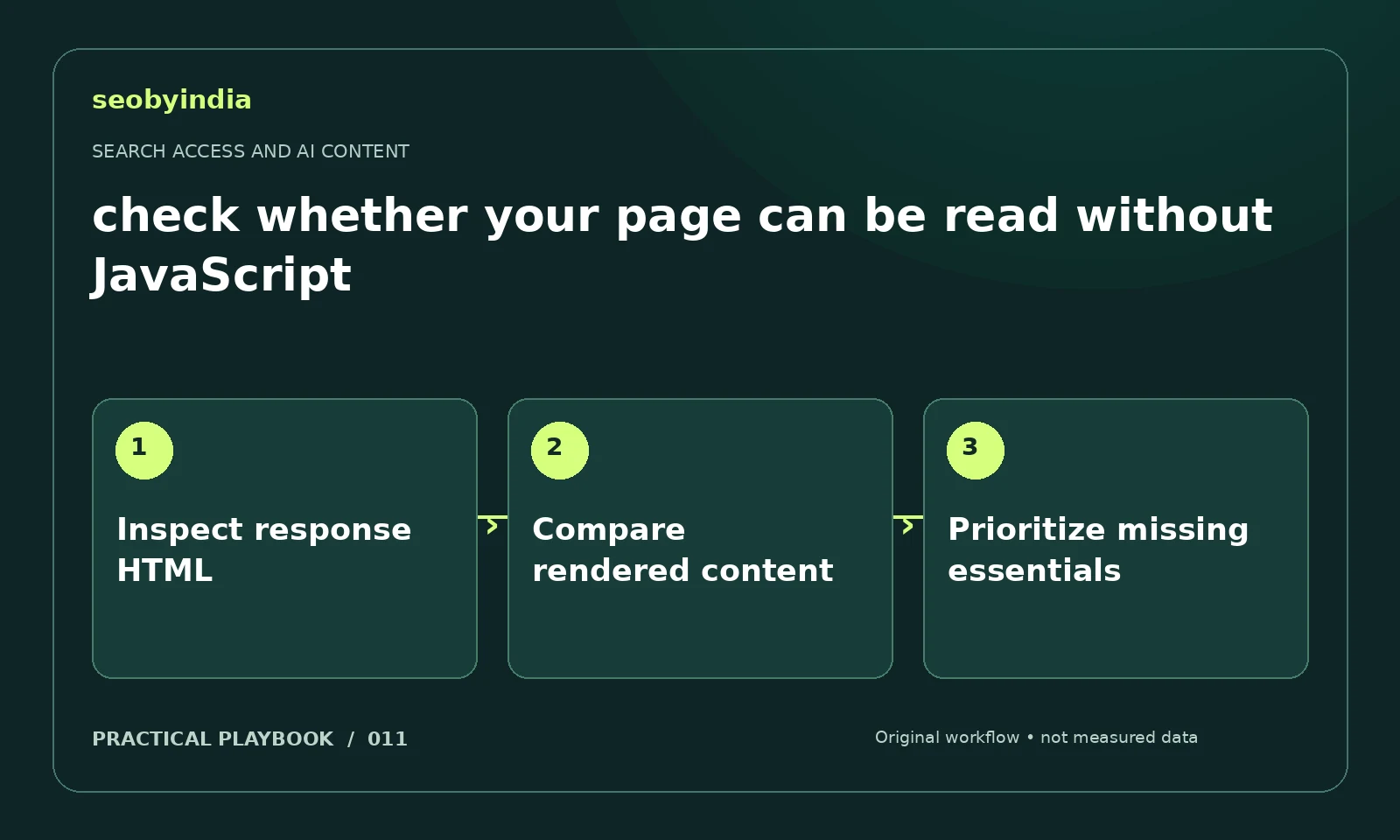
A three-step workflow
Inspect response HTML
Save the delivered document text through a suitable inspection tool and search it for the main answer, headings and destination links.
Compare rendered content
Compare that response with what a normal browser shows after loading. Document essential content that appears only after scripts or interaction.
Prioritize missing essentials
Ask development to make the essential answer and navigation accessible. Retest representative templates rather than only the homepage.
Illustrative example
Put the decision in context
A service headline appears immediately but the pricing explanation loads only after a user click. Make essential information available in accessible page content.
What to record in your working sheet
Keep the evidence beside the decision so the work can be checked and handed over. For this task, use these fields:
- Affected URL and reader question
- Delivered content or source evidence
- Missing information or disputed claim
- Correction owner and verification date
A mistake to avoid
Assuming every AI crawler executes the same scripts as a browser.
References and further reading
The workflow and illustrative example are SEOByIndia editorial guidance. Use the linked primary documentation for platform requirements; interfaces and policies can change.
Need help applying this to your site?
Share your website, the problem you are investigating and the evidence you already have. We can discuss a focused scope and the next useful check.
Discuss a public-page content audit